Computer Vision on Microcontrollers Made Easy with Red Vision

Watch our newest project video to see how the SparkFun Red Vision ecosystem brings practical OpenCV computer vision to microcontrollers.
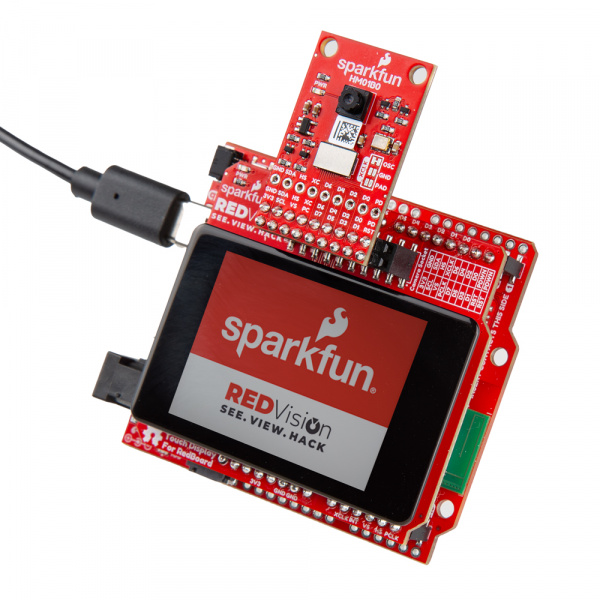
Computer vision on microcontrollers has often been a complex balancing act of limited resources and complicated software, but we're here to change that. In our last Friday Product Post of 2025, we introduced the SparkFun Red Vision for the RedBoard ecosystem, a new line of products built to make computer vision practical for microcontrollers and accessible and fun to use! Powered by our MicroPython port of OpenCV, Red Vision lets you run classic computer-vision pipelines, such as object detection and color tracking, directly on a microcontroller using our HM01B0 Red Vision Camera Board and display setup.
$109.95
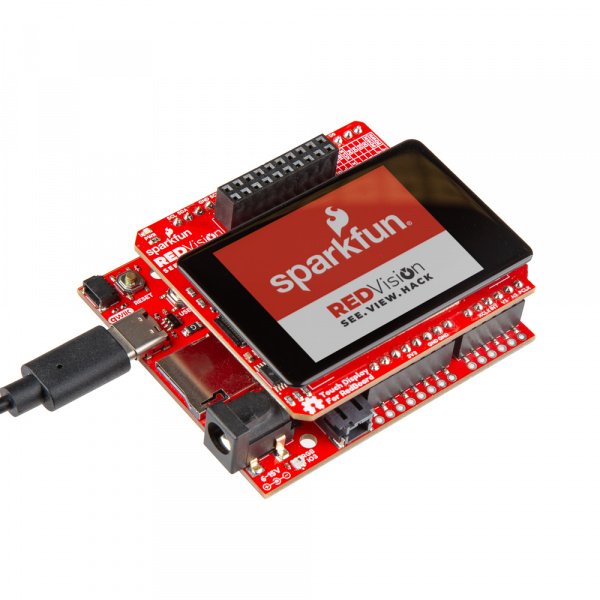
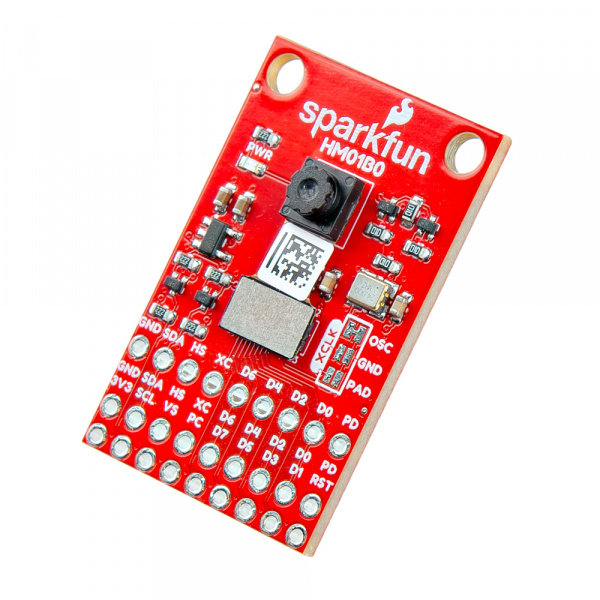
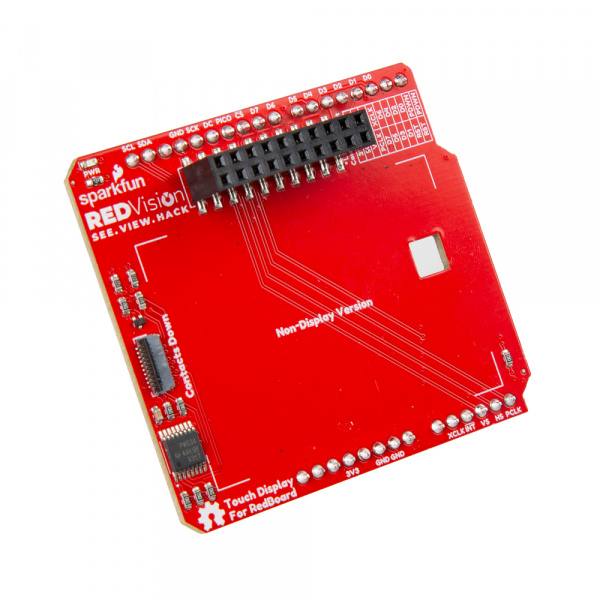
We've designed the Red Vision hardware to fit your specific needs, whether you are starting from scratch or integrating into an existing setup. The Red Vision Kit for RedBoard includes the interface shield, Red Vision Camera Board, and responsive touch display to get started immediately. If you already have a Camera Board, the Red Vision Touch Display for RedBoard provides the screen and shield. For users who already have a compatible screen and camera, the "Without Display" version includes only the driver board to integrate them. All three options are designed to work seamlessly with powerful development boards like RP2350 IoT RedBoard.
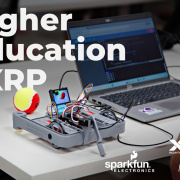
Does sound like the perfect fit for your next robotics project? The SparkFun Red Vision Kit for XRP adds machine vision capabilities to the Experiential Robotics Platform (XRP) Kit. These boards let you add live image processing and advanced features, such as object and contour detection, to the XRP Kit using the same SparkFun MicroPython Red Vision Code package used for our RedBoards.
In this week's video, we walk you through everything you need to know to get started with Red Vision for RedBoard. We cover the entire workflow, from selecting a supported board such as the RP2350 and flashing the firmware to assembling the hardware and running your first live OpenCV demos. You'll see the kit in action, detecting the SparkFun flame logo, demonstrating touchscreen UI capabilities, and even outputting video to a larger HDMI display. We also explore advanced features such as high-frame-rate previews, swapping camera modules to adjust image quality, and using the kit with other architectures, such as the ESP32, for wireless streaming.
Whether you are building object detection systems, autonomous robotics, or embedded UI projects, this video shows how Red Vision helps you quickly prototype and learn!